
SAFETY BY DESIGN
Built and scaled Community Sift, an AI-driven content moderation platform processing 100B+ user interactions monthly across text, images, and video
Enabled real-time detection and filtering of cyberbullying, hate speech, and child exploitation to support safer online communities

100B+
Human interactions classified, filtered, and escalated each month
88%
Reduction of moderator workload with AI-enhanced decisioning
96%
Reduction in reported toxic incidents via built-in features
THE PROBLEM
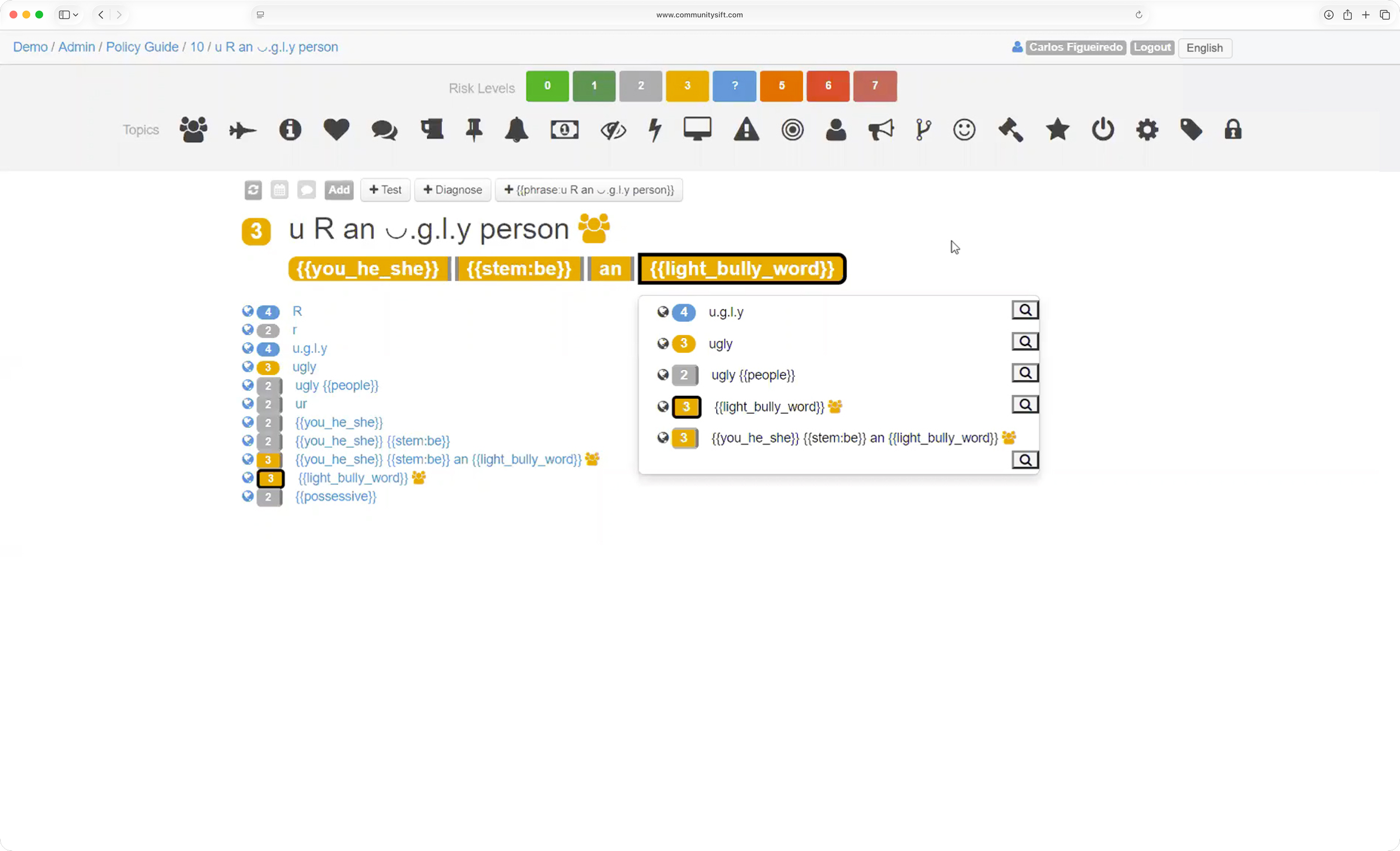
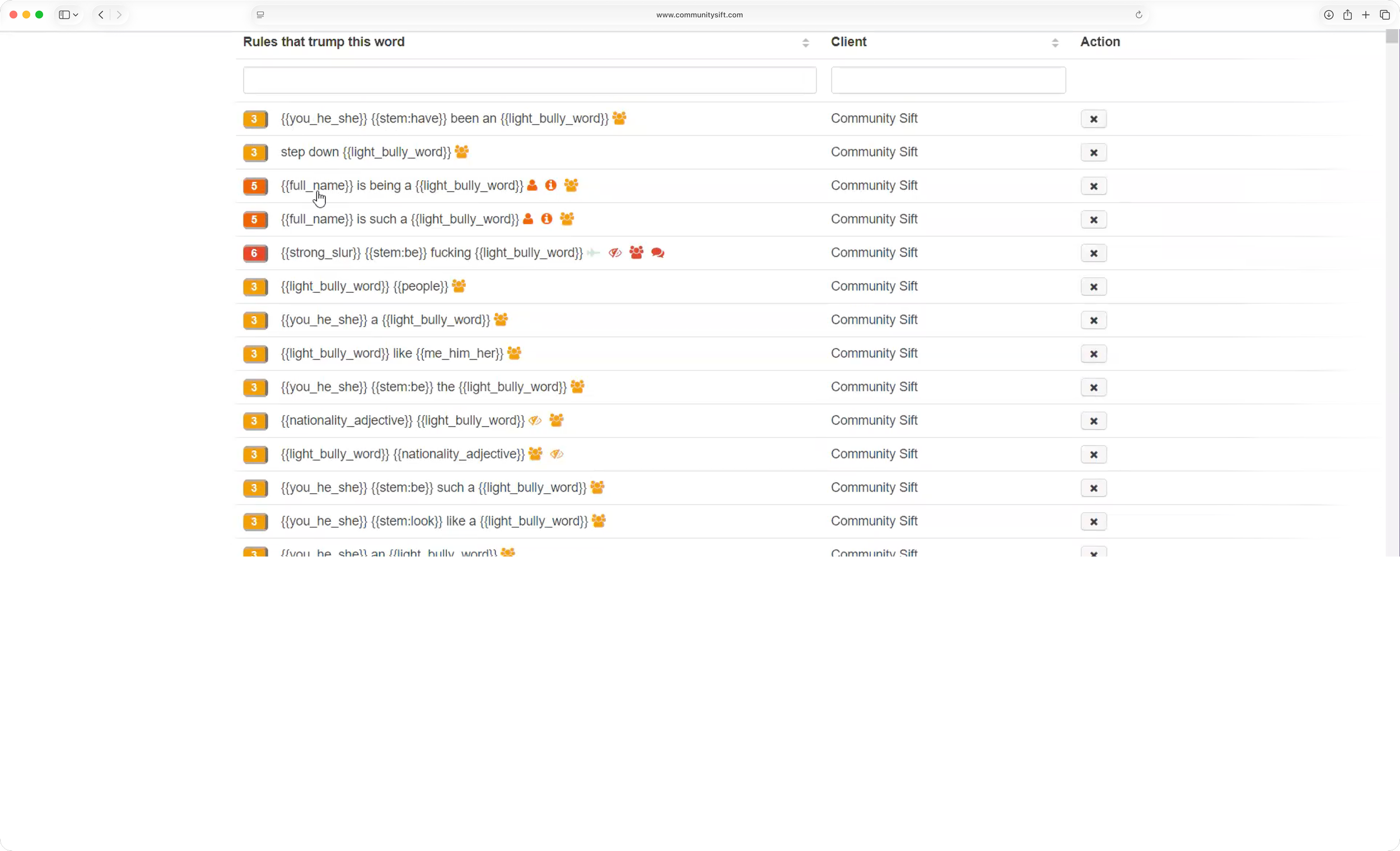
No front-end, no cohesive experience: Community Sift operated for years as a web application without a proper front-end—no unified UX, no interface, not even basic navigation
Onboarding required constant hand-holding: The lack of a usable interface meant new customers couldn't self-serve; onboarding demanded a "white glove" experience
Customer success as a workaround: A dedicated customer success team had to be available around the clock to manually guide customers through a bespoke, esoteric workflow
Unsustainable at scale: This model meant every new customer relationship depended on high-touch support rather than an intuitive product—limiting growth and straining the team
THE SOLUTION
Joined an in-flight UX/UI initiative: Stepped in as the project was already underway, with the visual design language beginning to take shape
Owned product design management: Took ownership of guiding the product's design direction to bring cohesion where none had existed
Built out the Figma design system: Developed styles, components, and prototypes in Figma—laying the foundation for the interface (including navigation) the product had never had
Enabled self-service onboarding: By establishing reusable, scalable design components, reduced reliance on white-glove, high-touch onboarding
Content Queues are set up to organize filtered UGC for moderation, based on the particulars of your community.
Once a UI had been built for the existing functionality, we began the work of designing Next Generation Moderation. NGM would require us to reassess every aspect of the product, including look and feel, which meant building out many new components, as well as a dark theme.
SIFT DESIGN SYSTEM
Diagnosed why engineers weren't adopting our design system, then rebuilt it in their native workflow — dramatically improving UI consistency.
All existing design tokens, components, complex patterns, and documentation were re-established within Storybook.

NEXT GENERATION MODERATION: TEXT & IMAGES
While the original platform relied upon a combination of AI and human input, the need to scale quickly resulted in a decision to lean more heavily upon AI. In doing so, the most difficult decisions would still be escalated to human moderators for review while the vast majority of decisioning—the obvious allow or reject decisions—would be handled by AI. Thus lessening the workload for human mods while also protecting them emotionally and cognitively. Enter: Next Generation Moderation (NGM). Users would now be able to moderate text and images using a highly customizable interface.
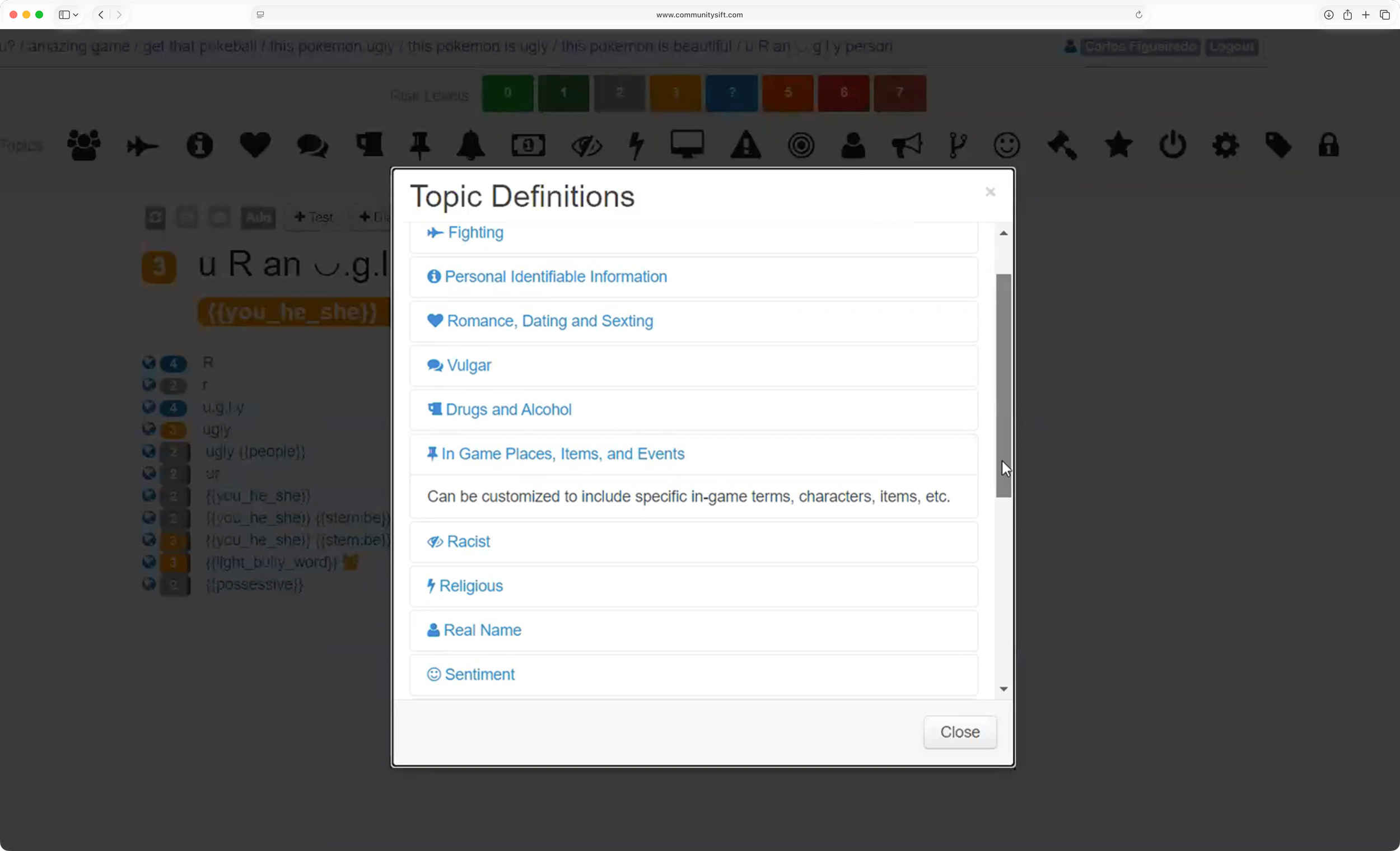
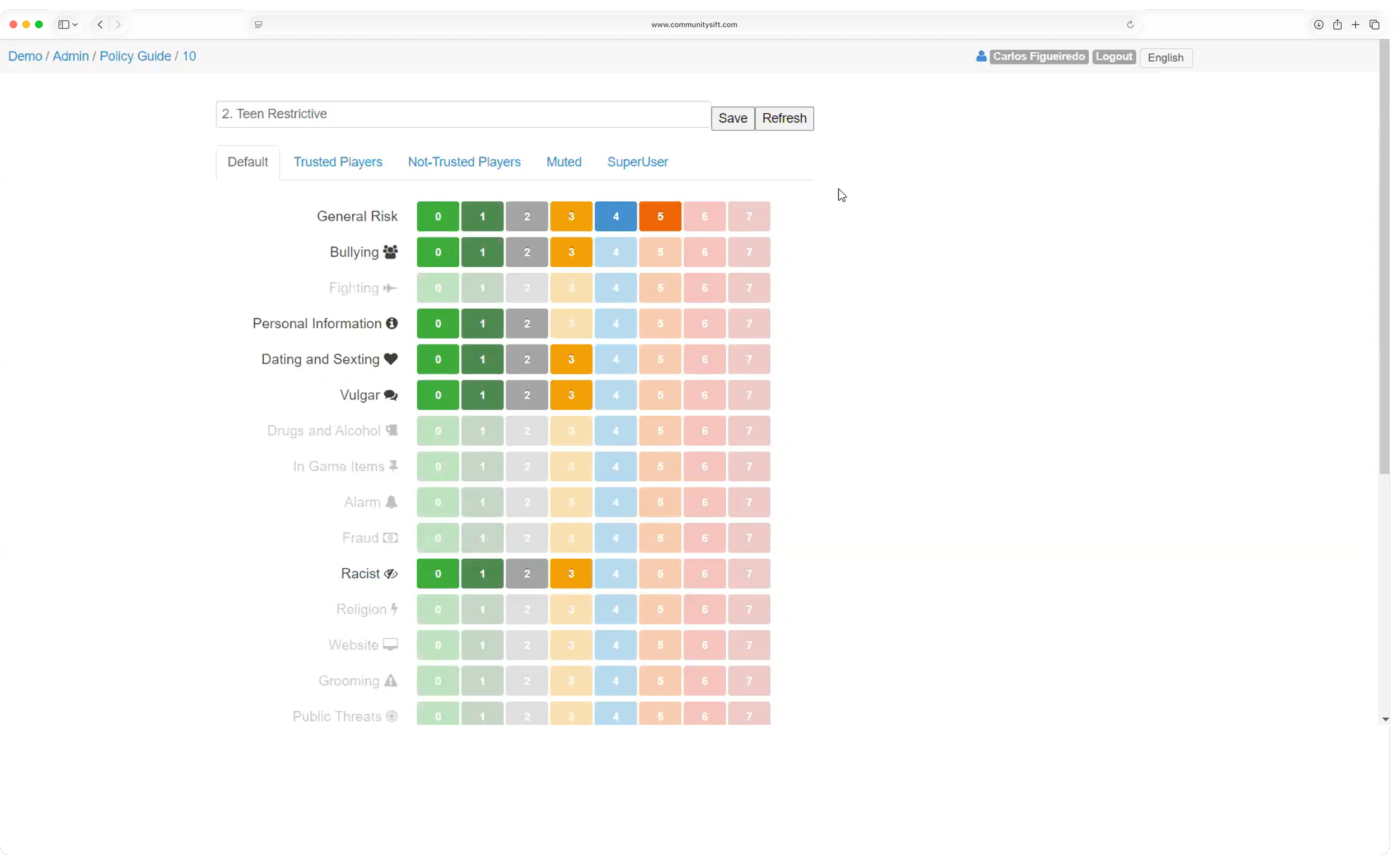
Custom Policy Guides
Set filters to align with your community guidelines (e.g. no hate speech, violence, level of tolerance for vulgarity) and reinforce your Terms of Use. Users can choose from their chosen presets or get even more granular using sliders.
AI Moderation
Enable AI to moderate content in a queue based on the platform’s policy settings. All AI-moderated content is automatically sent to a queue for review by a human moderator.
NGM Images
Quickly scan through and decision images queues using a single click or hot keys.
Curated topics and custom risk sliders allow you to prescribe an ideal user experience while optional image blurring protects moderators’ wellbeing.
Filter queues by date topic, date, moderator, guest, category, or subcategory.
Need a closer look? Users can opt to view images one at a time, viewing any associated detail.
When selecting imagery for empty states, rather than go the typical route of corporate illustration, I chose adorable images of animals combined with playful copy. Not only a more joyful approach, but research shows that such images trigger the brain’s reward centers. “Cute features not only make objects more user friendly and approachable, but also induce careful behavioral tendencies in the users…” [1] “…researchers suggest that cute images may be helpful in improving performance for jobs that demand significant attention to detail, like air traffic control or software programmers.” [2]
Users are able to create “Escalate All” queues, which automatically redirects all content to AI for moderation.